Understanding TradingView: The Ultimate Tool for Traders
In today's fast-paced financial markets, traders need robust tools to make informed decisions. TradingView stands out as a comprehensive platform that consolidates various trading functionalities into a single interface. Whether you are an experienced investor or just starting, mastering TradingView can enhance your trading efficiency and effectiveness. This article will delve into the core features of TradingView, its integration of diverse asset classes, and how to leverage its tools for optimal trading strategies.
What is TradingView and Its Key Features?
TradingView is an advanced web-based platform designed for traders and investors. It offers a wide array of tools essential for technical analysis, charting, and social sharing, catering to a diverse range of asset classes, including stocks, forex, cryptocurrencies, and derivatives. Key features of TradingView include:
- Interactive Charts: Users can create customizable charts with multiple time frames and a variety of indicators.
- Supercharts: This feature allows for side-by-side comparison of multiple assets, essential for thorough analysis.
- Pine Script: TradingView's proprietary scripting language enables users to develop custom indicators and strategies.
- Alerts: Set price alerts and indicator alerts to stay updated on market movements without constant monitoring.
- Community Insights: Access a rich community where traders share strategies, ideas, and insights, providing a collaborative environment for learning.
The Importance of Charts and Technical Analysis
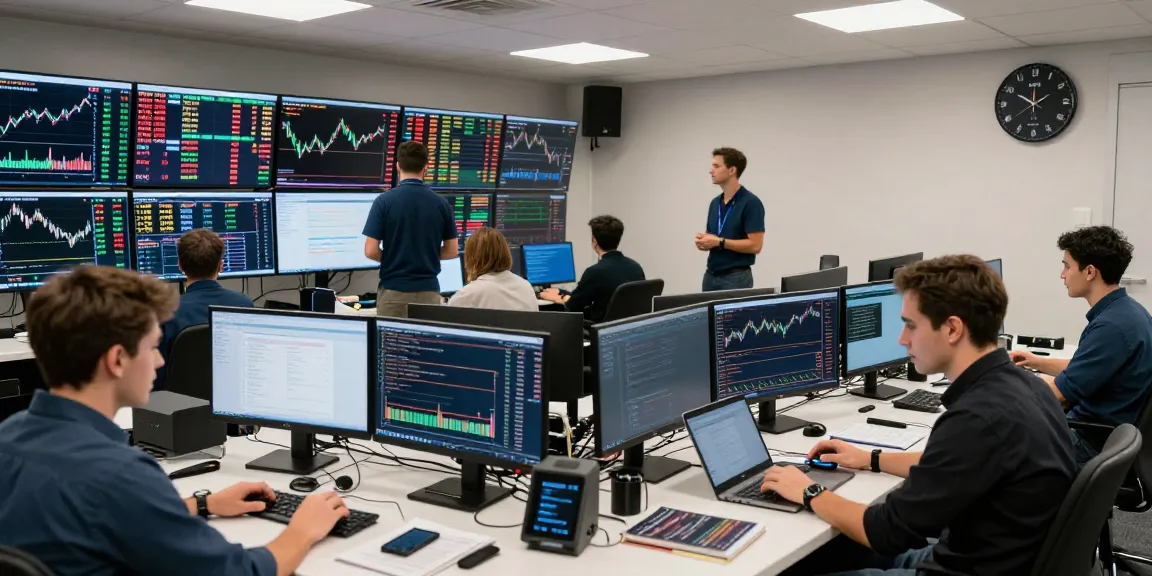
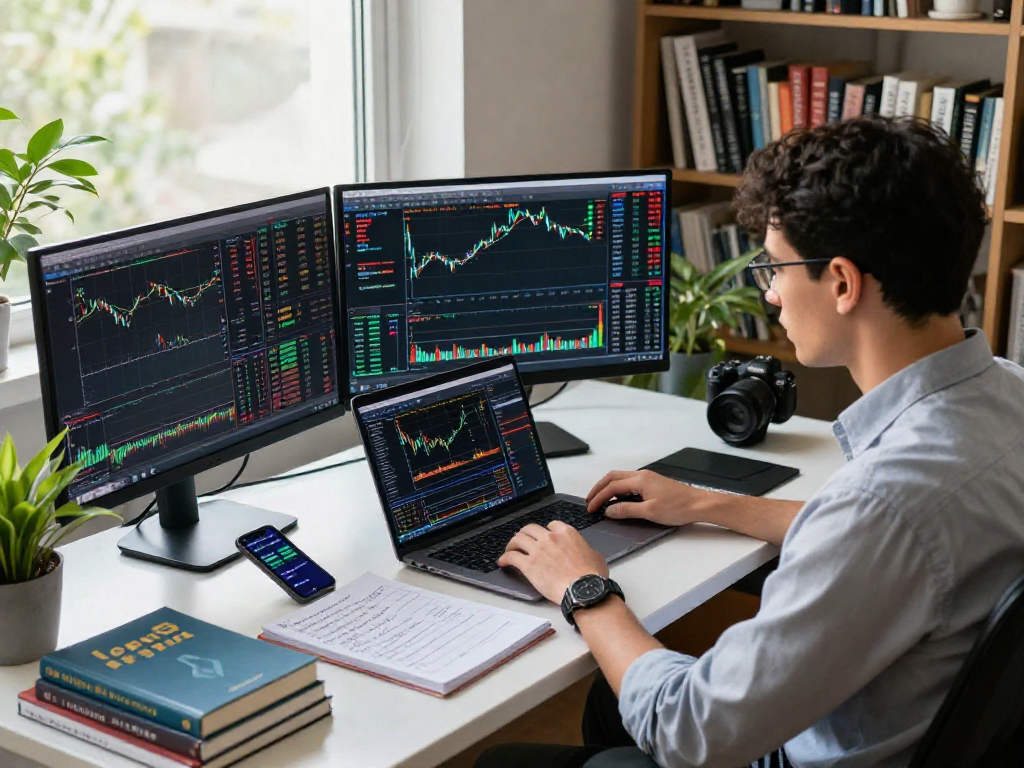
Charts are the cornerstone of technical analysis, providing visual insights into market behavior. TradingView’s charts offer unparalleled versatility, allowing traders to overlay various indicators such as moving averages, RSI, and Fibonacci retracements. This ability to visualize data helps traders identify trends, entry and exit points, and potential reversals. Moreover, with the capacity to conduct simultaneous analyses across different assets, TradingView empowers users to make decisions based on comprehensive data comparisons.
How TradingView Integrates Different Asset Classes
One of TradingView’s standout features is its seamless integration of diverse asset classes. Traders can switch between stocks, forex, cryptocurrencies, and commodities effortlessly without needing multiple platforms. This single-login approach simplifies research and trading, allowing users to view price action and market conditions in real-time across various markets. Additionally, the ability to set alerts and utilize technical indicators across these asset classes enhances the trading strategy development process.
Setting Up Your TradingView Account: Step-by-Step Guide
Getting started with TradingView is straightforward. Follow this step-by-step guide to set up your account and personalize your trading environment efficiently.
Creating Your Account and Personalizing Settings
To create your TradingView account, visit the TradingView website and choose between free and paid plans based on your trading needs. After signing up, you can personalize your settings to display information relevant to your trading style. Customize your dashboard by selecting preferred chart layouts and widgets, such as news feeds, watchlists, and economic calendars.
Utilizing Layouts and Supercharts for Enhanced Analysis
TradingView allows users to save multiple layouts, making it easy to switch between different trading strategies and asset classes. The Supercharts feature is especially useful for day traders who require real-time data comparisons. Users can analyze performance metrics side by side, optimizing decision-making processes during volatile market conditions.
Connecting to Brokers for Seamless Trading
For users looking to execute trades directly from TradingView, connecting to a supported broker is essential. This feature streamlines the trading process by allowing users to buy and sell assets without leaving the TradingView interface. Ensure to check the list of supported brokers within your region for a smooth trading experience.
Mastering Financial Analysis with TradingView's Tools
Mastering the tools within TradingView can significantly enhance your trading analysis capabilities. This section will explore key functionalities that aid in developing a robust trading strategy.
Using Pine Script for Custom Indicators and Alerts
Pine Script is a powerful feature within TradingView that allows users to create custom indicators and alerts tailored to their trading strategies. By using Pine Script, traders can validate their strategies using the Strategy Tester, ensuring their trading rules are backed by data before applying them in live markets. This scripting ability not only helps in personalizing the trading experience but also fosters innovation within the trading community.
Implementing Strategic Testing: Backtesting Your Strategies
Backtesting is a critical process that allows traders to evaluate the effectiveness of their strategies based on historical data. TradingView's Strategy Tester enables users to simulate past trades and analyze performance metrics such as win rates and risk-to-reward ratios. By backtesting strategies, traders can fine-tune their approach and minimize potential losses in real-market scenarios.
Community Insights: Leveraging User-Generated Content
The TradingView community is a treasure trove of insights, with countless traders sharing their ideas and analyses. Engaging with this community can provide fresh perspectives and enhance one’s trading knowledge. Users can follow popular analysts, participate in discussions, and even share trading ideas, fostering an environment of collaboration and support.
Effective Market Research Methods on TradingView
Conducting thorough market research is vital for any trader looking to succeed. Here are some effective methods utilizing TradingView’s features.
Using Screeners and Heatmaps to Identify Opportunities
TradingView’s stock screener and heatmap tools are invaluable for identifying potential investment opportunities. The stock screener allows users to filter stocks based on various criteria, including performance, market capitalization, and dividends. Meanwhile, heatmaps visually represent market data, showing areas of strength and weakness, which can help traders make informed decisions on where to allocate their resources.
Setting Up Alerts for Market Movements
Keeping up with the fast-paced market can be challenging, but TradingView’s alert system can help. By setting alerts based on price movements, technical indicators, and custom conditions, traders can stay informed of significant market changes without needing to monitor the platform continuously. This feature is particularly beneficial during highly volatile trading sessions.
Incorporating Macroeconomic Events into Your Analysis
Understanding macroeconomic factors is crucial for effective trading. TradingView integrates economic calendars that provide essential information about upcoming economic events that could impact market behavior. By analyzing these events, traders can better anticipate market reactions and adjust their strategies accordingly.
Future Trends in Trading Technology for 2026
The trading landscape is continually evolving, driven by technological advancements. Here are some trends that are expected to shape the future of trading in 2026.
How AI and Machine Learning Will Shape Trading Platforms
Artificial Intelligence (AI) and machine learning are increasingly becoming integral to trading platforms. These technologies enhance trading algorithms, enabling them to analyze vast volumes of data and identify patterns more accurately than ever before. As TradingView continues to innovate, we can expect to see the integration of AI-driven features that provide more personalized trading insights.
The Rise of Decentralized Finance and Its Impact on Trading
Decentralized finance (DeFi) is revolutionizing the financial sector by providing an alternative to traditional financial systems. With the growing popularity of cryptocurrencies and blockchain technologies, TradingView is likely to adapt its features to accommodate the needs of traders operating within this new paradigm. This evolution will open doors for trading strategies that leverage the unique characteristics of DeFi.
Preparing for Regulatory Changes in Trading Practices
As financial markets evolve, so do regulatory frameworks. Traders must stay informed about upcoming regulations that may affect trading practices. TradingView can assist users in understanding these changes by providing up-to-date information on compliance and regulatory matters, ensuring traders can adjust their strategies accordingly.
What Are the Best Practices for Using TradingView?
To maximize your experience with TradingView, consider the following best practices:
- Stay Updated: Regularly check for updates and new features on the TradingView platform.
- Engage with the Community: Share insights and learn from others to broaden your trading perspective.
- Utilize the Tools: Make full use of TradingView’s tools for backtesting, alerts, and custom indicators to enhance your trading strategy.
- Document Your Strategy: Keep a trading journal to document your strategies, trades, and outcomes for ongoing learning and adjustment.
How to Optimize Your Trading Strategy with TradingView?
Optimizing your trading strategy requires continuous learning and adaptability. Use TradingView’s analysis tools to review past trades and assess performance metrics such as drawdown and return on investment (ROI). Regularly refining your strategy based on this data will lead to improved trading outcomes.
What Are Common Trading Mistakes to Avoid?
Even experienced traders make mistakes. Here are some common pitfalls to avoid:
- Neglecting Risk Management: Always set stop-loss orders to protect your capital.
- Chasing Losses: Avoid the temptation to recoup losses by making impulsive trades.
- Ignoring Market Conditions: Be aware of broader market trends and economic factors that may impact your trades.
How to Analyze Trading Performance Over Time?
Regular performance analysis is crucial for improving trading practices. Use TradingView’s statistical tools to track your trades over time, examining various metrics such as win/loss ratios and average returns. This continuous review process will help identify areas for improvement and strengthen your trading strategies.
What Resources Are Available for New Traders?
New traders can benefit from a wealth of resources available on TradingView, including educational articles, tutorial videos, and webinars. Engaging with these resources can provide foundational knowledge and increase confidence in executing trading strategies.